How Baby Acrobatics login works (no password)
We email a one-tap login link instead of using passwords.
On this page
Baby Acrobatics has no passwords. Nothing to create, nothing to remember, nothing to reset. You sign in with your email: we send a one-time link, you tap it, you're in. That's the whole system.
How to sign in
- Open
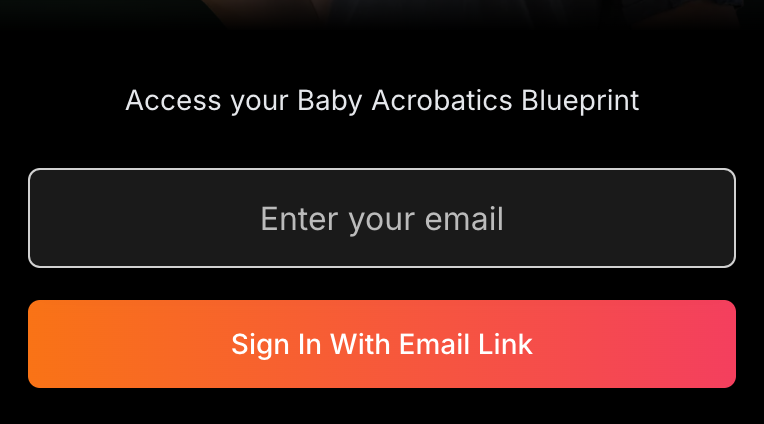
guide.babyacrobatics.com(or tap your home-screen icon if you've added it). - Type the email you used at checkout into the box, then tap Sign In With Email Link.
- The page switches to "Waiting for confirmation" and starts watching for you to click the link. Leave it open.
- Check your inbox for an email from Baby Acrobatics, subject "Your Baby Acrobatics Login Link". It usually lands within a minute.
- Tap Access your guide in that email. A confirmation page opens. Tap Confirm Sign-In.
- Go back to the first tab. It's already signing you in and dropping you into the guide.
That's it. No code to copy, no second password.
The link doesn't care which device you use
You can start on one device and finish on another. Enter your email on your laptop, then open the email and tap the link from your phone: the laptop is the one that signs in. This is why partners can share one account without sharing a password. Whoever wants in just requests a link to the shared email and confirms it from their own phone.
The link works once and expires after 30 minutes. After you confirm, that browser stays signed in for about 30 days.
You don't have to do this every visit
Once a device is signed in, it stays signed in for roughly a month. Open the site or your home-screen icon and you land straight on the guide, no email needed. You'll need a fresh link sooner only if you:
- Sign out on purpose.
- Clear your cookies or browsing data.
- Switch to a different browser or device.
- Get logged out by a strict privacy setting (see I keep getting signed out).
The login lives on guide.babyacrobatics.com, so the cookie that keeps you in is tied to that site.
Why there's no password
We dropped passwords on purpose, and it tends to make life easier:
- It's one fewer password to invent and remember.
- Your inbox is the key. To sign in as you, someone would need to be inside your actual email, so there's no password sitting around to steal.
- Sharing with a partner is simple. No "what's the password again?" texts back and forth.
The corners worth knowing
- The link expires in 30 minutes. If the baby pulls you away before you tap it, just request a new one, no penalty. See my login link expired.
- Some inboxes are slow. Gmail and Outlook sometimes delay the email or file it under spam or promotions. See I didn't get the login email.
- Android Gmail has a quirk. Opening the link inside the Gmail app can loop you back to the login screen. The fix is in the login link sends me back to the login page.
- Safari Private mode blocks it. Private windows throw away the cookie that keeps you signed in. See login won't work in Safari Private mode.
For most people, on most devices, it's three steps: type your email, tap the link, confirm. Done.
Related help
The complete written guide with 100+ illustrated exercises, 5 starter routines, and the developmental framework. One-time purchase, lifetime access.
See what's included →