


Where else has your photo ended up?
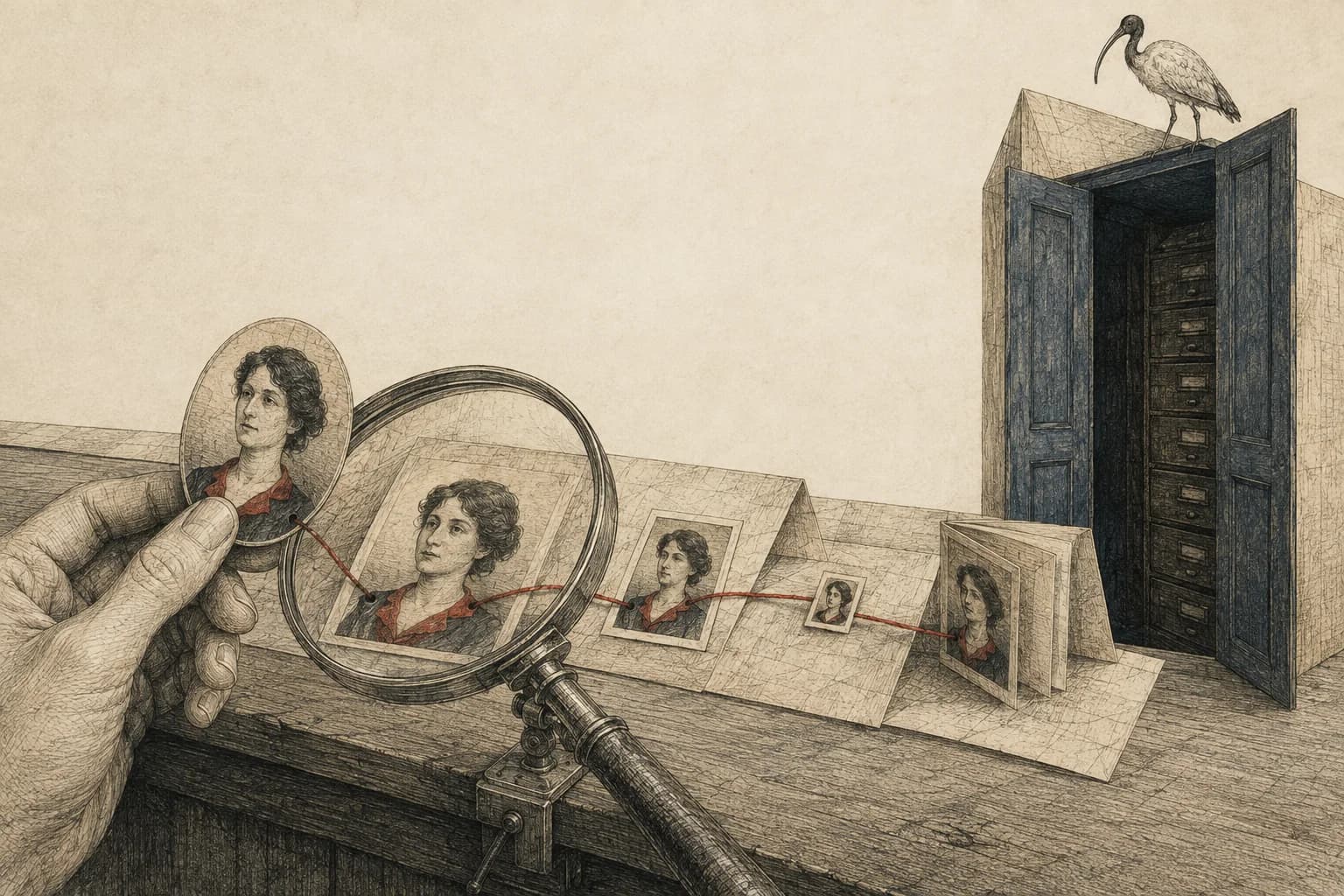
You recognize the photograph immediately. The website around it is another matter. You didn't post it there, you don't know who runs it, and the caption may have nothing to do with the afternoon you remember.
That's what makes reverse-image search worth trying. A picture you think of as a post on your account can also be a file somebody else saved and published somewhere else. Finding it changes the question from who follows you to where the picture has gone.
TinEye lets you search with a photograph instead of words. But choosing the photograph matters. Take a new selfie and you may get nothing, even if plenty of pictures of you are online. TinEye looks for copies of the submitted image, including some edited versions. It doesn't search for other photographs of you by recognizing your face. TinEye's explanation of what it matches
Start with a picture that's already public
An old profile picture you've used in several places makes a more useful first search than a photo you've never shared. You already know at least one place it appeared, so you have something to compare the results with.
On TinEye's homepage, choose Upload an image and select that picture, or paste its public image address into the search box. On a computer, you can usually get that address by right-clicking the picture on its original page and choosing Copy Image Address. The picture's address is different from the webpage's address. Ways to search on TinEye
You don't need to upload a private photograph of your child to see how this works. TinEye's walkthrough and example searches use familiar public images. One example compares Grant Wood's American Gothic with a postage stamp reproducing the painting. The border, size and surrounding text have changed; enough of the picture remains for a match.
If TinEye can't load the image address, try uploading your saved copy of that public picture instead. If the search itself still won't run, try again later or continue with the known-account and text searches. A loading error tells you nothing about where the picture appears.
Does the upload create another public copy?
TinEye says it analyzes uploaded images on its servers, deletes them after the search and doesn't add them to its searchable collection. That's the provider's stated practice; the search still sends the picture to TinEye for processing. Pasting a public image address also asks it to retrieve and process that picture. TinEye's upload policy
For a first attempt, a public example lets you learn the controls without sending a private original anywhere.
Follow a match all the way to the page
When you get results, the useful part is the website behind each picture. Several matches might come from one site; one unfamiliar site might matter much more than the total count.
- Compare the pictures. Open Compare Match, or the result's thumbnail, to switch between your image and the matched version. Look for the same moment and background, including what was cropped away.
- Open the source page. Check whether the photograph is still there and what sits beside it: a name, a location, a school or a link to another account.
- Keep the page address. If you want the picture removed, record who published it and what you want changed. A screenshot of a search result alone leaves the publisher guessing which page you mean.
Most Changed can help you notice edits; Biggest Image helps find larger copies. Oldest means the earliest copy TinEye found with its crawler. It doesn't establish who first uploaded the photo, who owns it or when it was taken. TinEye's comparison and sorting controls and what its dates mean
If a result's page no longer opens, keep its address and note that you couldn't check it. It may be gone, restricted or temporarily unavailable. An old search thumbnail doesn't establish that the photo is still public.
For ordinary family photographs, put confirmed links in the removal checklist. If a page contains sexualized or abusive material involving a child, use its child-safety reporting route without downloading or forwarding the material. For material appearing in Google Search, Google's removal page links to its specialist forms.
An empty result is a very small answer
TinEye says its collection doesn't typically include Facebook, Instagram or Twitter images. Those sites generally restrict the indexing of their users' pictures. It also can't search a photograph saved only on somebody's phone or passed through a private chat. What TinEye's index covers
So a photograph can be public on Instagram and produce no TinEye match. A different photograph of the same person can sit on an indexed website and still be outside the job TinEye is doing.
| What you want to know | What the search can tell you |
|---|---|
| Has this particular picture appeared elsewhere? | TinEye can find matching copies in its collection. It won't find every copy. |
| Is this person in other photographs? | TinEye cannot answer this. Face-search tools compare faces across photographs; account and text searches can also lead you to other pictures. |
| Has somebody saved this in a private chat or on their phone? | A public web search can't look inside those private files. |
This is why the next step after a blank result is to check the accounts, galleries and newsletters you already know about. There may be a perfectly findable copy that this particular search never had access to.
What can systems outside the public search box do?
The obvious thought is: if a free website can follow a picture across the internet, what can more powerful software do?
In 2021, Canadian privacy regulators described how Clearview collected photographs from public websites, made those faces searchable, so users could look for the same person in other photographs. Its results could return other photographs and links to their source pages. A search no longer needed to begin with the exact picture someone else had posted. The regulators' investigation
Access to different collections matters too. Michigan State Police describes a facial-search system involving mugshots and driver's-license photographs, with access depending on the user's role. Those collections aren't available through an ordinary public image-search box. Its policy treats results as leads for further investigation, rather than positive identification. Michigan's facial-recognition FAQ
Neither example makes every match correct. NIST tests both missed matches and cases where a search returns the wrong person even though the correct person isn't in the collection. An algorithm offering a face is not proof of identity. NIST's identification evaluation
The public search you can run doesn't measure everything someone else could search. Different software and different collections can produce different answers. That doesn't establish that a particular photograph of your child is in any of them.
What this changes before the next upload
For our Baby Acrobatics movement program, our children appear in a lot of the work we share publicly, including on Instagram. We cover their faces and keep their names and other life details private. The demonstrations are public; those details don't need to accompany them.
But a face cover can't call back an earlier uncovered copy. And you shouldn't assume a small edit makes a familiar photograph impossible to match: TinEye is specifically built to recognize some altered versions. That doesn't mean it will match every covered picture, or that it has recovered the hidden face.
Finding an older copy, matching a face in another photograph and trying to reconstruct detail from a blur are three different things. Before treating a sharp result as proof that a blur was reversed, check whether it came from an older uncovered copy. Finding that copy would explain the result without recovering anything from the blur.
If the search turns up a copy you want removed, start with that publisher and that page. Before posting again, check the whole picture, the caption and any spoken names. Our face-covering tool handles the visible face; the wider privacy check helps with the details around it.
Sources reviewed 5 September 2026.