


What location data brokers can learn about your family
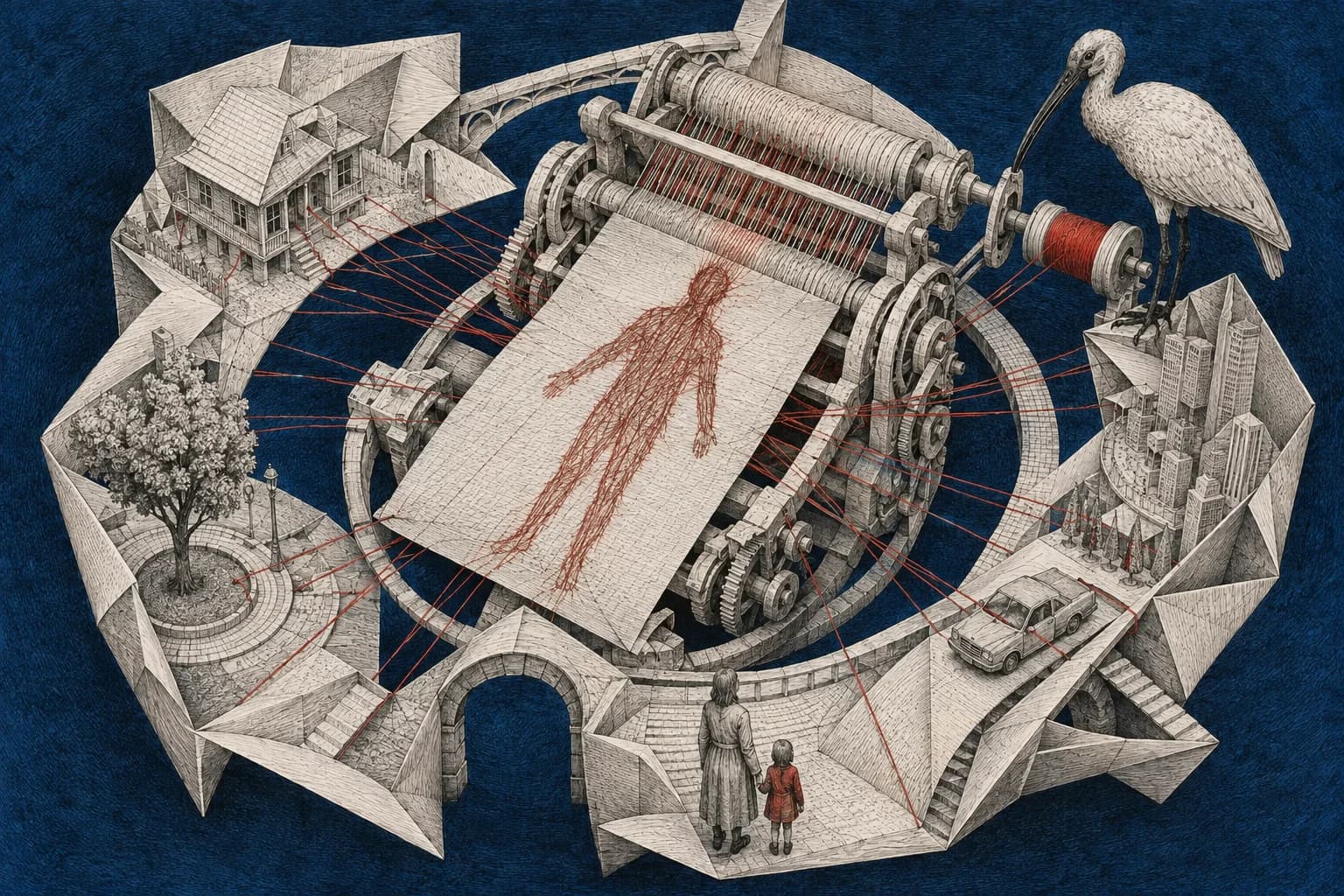
Keeping a child's face out of a post doesn't control the location information collected by the phone that took it. An app can receive location data with permission, and that information can travel through businesses the person holding the phone has never heard of.
In its case against Kochava, the US Federal Trade Commission alleged that the company sold precise phone-location records which could reveal visits to health facilities, places of worship and shelters. The FTC's case announcement
For a parent, that makes your own phone part of the family privacy check. A journey you make with your child is also part of their routine, even if the phone and the app accounts are yours.
How a string of locations becomes revealing
The FTC alleged that Kochava's data linked precise locations to device identifiers and could be used to identify people and follow their movements. Removing a name from a record doesn't necessarily remove the clues in repeated visits to the same home and other places. These were the regulator's allegations; the settlement did not include an admission of them. FTC announcement and court order
What changed in the Kochava case
The FTC announced a proposed settlement on May 4, 2026. The court entered the stipulated order on June 25, 2026; the FTC published it on June 26. Case documents
The order restricts Kochava and its subsidiary Collective Data Solutions from selling or sharing data tied to specified sensitive places in the United States, including locations mainly providing education or childcare to minors. It also requires controls for deletion and consent.
The order allows an exception for certain directly requested services with express consent, and gives the company time to implement particular requirements. Its 90-day deadline for establishing the sensitive-location program runs from the June 25 entry of the order. The entered order, sections II–III
Review the apps allowed to use your location
Begin with the apps that have access even when you aren't using them. Keep that access where you need the background feature; remove it where you don't. A navigation or family-location feature may need it to work as intended, while an app you no longer use has no ongoing job to do for you.
| Phone | Where to review access |
|---|---|
| iPhone | Settings → Privacy & Security → Location Services, then select an app. |
| Android | Settings → Location → App location permissions, then select an app. If your manufacturer's menu differs, open the app's App info → Permissions → Location. |
On iPhone, choose from the options the app offers, such as Never, Ask Next Time Or When I Share, While Using the App or Always. On that same page, turn Precise Location off if the app only needs an approximate area. Apple's location controls
On Android, review the apps under Allowed all the time first. Depending on the app and Android version, you can select Allow only while using the app, an ask-each-time option or Don't allow. Where location is allowed, review Use precise location separately. Android's location controls
After a change, open the app and try the feature you still want. If it no longer works, check what access that feature needs before granting permanent background permission again.
An app can still estimate your area from your internet address after you deny device-location access. It may also have an address you supplied earlier. Google describes these as separate sources from the phone's location. Nearby results, by themselves, don't establish that an app bypassed your permission; review its saved addresses and activity as well as the phone setting. Google's location sources
Ask separately about records already collected
Changing a permission stops or limits that app's future access through the phone's location controls. It doesn't send a deletion request to companies that already received data.
For California residents, DROP provides a free request to registered data brokers. It isn't a replacement for deleting location history held directly by an app you use. Other residents can use the relevant company's privacy-request route, with rights depending on their location.
Kochava's current Opt-Out & Do Not Sell form asks for a mobile advertising ID, a device identifier rather than a phone number. It is device-specific and labelled as an opt-out. Don't treat submitting it as confirmation that historical records have been deleted. Its page lists a privacy contact for help if you need a different request or cannot identify the device record.
For saved journeys in Google Maps on Android, open Profile picture → Your Timeline → More → Location & privacy settings. Choose Delete all Timeline data or the date-range option for the journeys you want removed. Timeline is stored on individual devices: deleting one device's records doesn't update the others. If you enabled backups, review those separately through the Timeline cloud icon. Google's Timeline deletion instructions
Turning off Timeline doesn't delete those earlier records or change the separate settings for other Google activity. Review My Activity for that account activity too. Google's explanation of the different location records
Check the location you publish yourself too
An app's collection and a photograph's location tag are separate. You can restrict app permissions and still send a picture whose file contains a location, or publish a caption naming your child's regular class and its location. Check photo metadata and visible location clues before sharing.
Roadside cameras create another record without asking your phone for permission at all. The Flock camera guide explains the difference between those vehicle records and the location collected through apps.
Sources reviewed 5 September 2026.