


Sharing family photos privately starts with the people
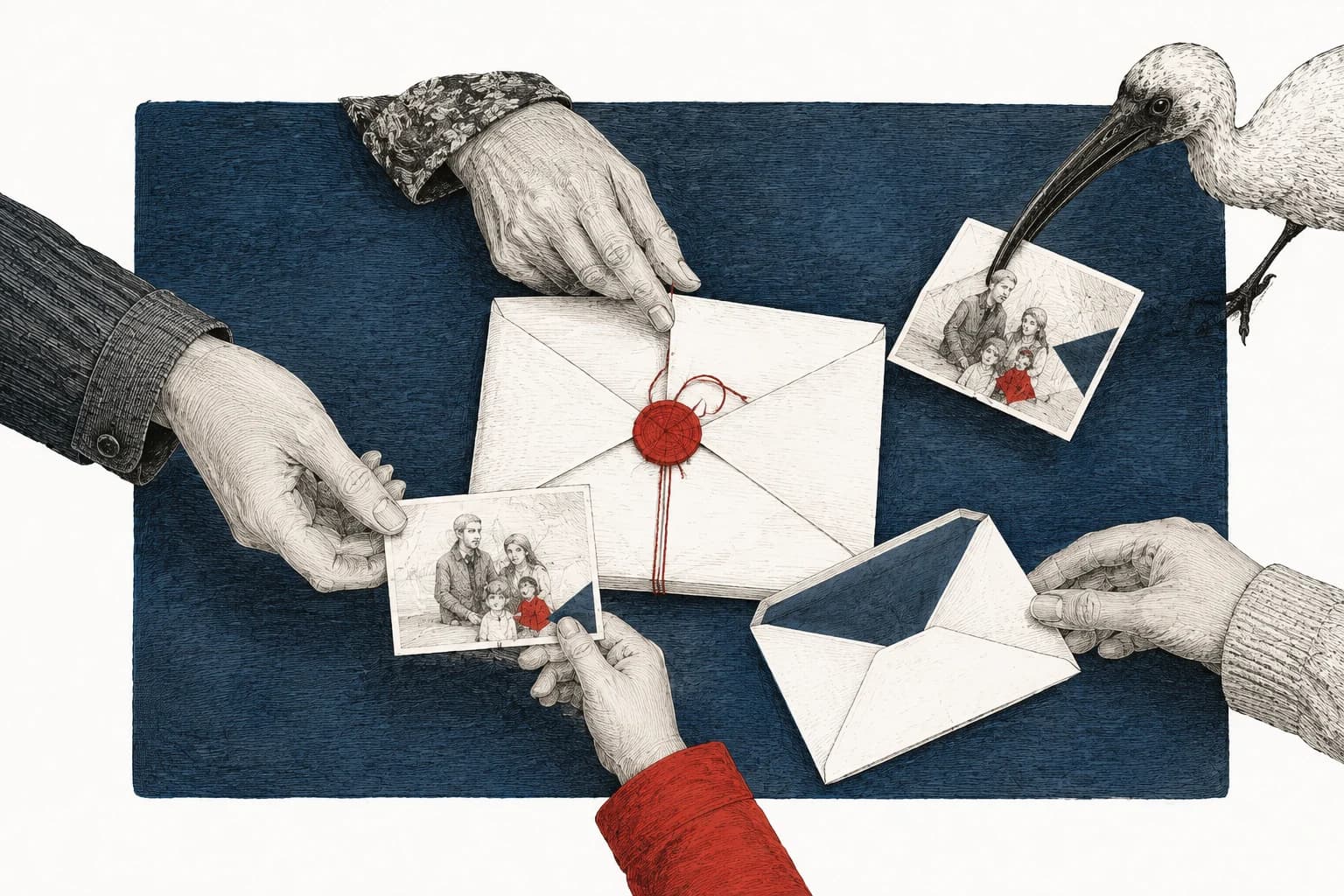
Say you send a picture to the family group. Six people, all people you meant to share it with. A week later, the picture is somebody's public profile photo.
Nothing went wrong with the delivery. Only those six people received it. But one of them understood “here's a photo” to mean “here's a photo you can use,” and the app had no way of knowing that wasn't what you meant.
That leaves two things to arrange: who receives the pictures, and what they're allowed to do with them. The settings handle the first. You have to say the second.
Choose the people first
Think of the people you actually want to send this picture to. If they're already in a much larger family chat, you can make a separate photo group without dismantling the chat everyone uses for birthdays and travel plans. If the trip also involves sharing your live location, choose when that access should end; a family chat and an ongoing map share have different audiences to check.
For occasional pictures, a small message thread may be enough. An album is useful when people want to return to the collection, perhaps to find a photo from last summer without scrolling through months of conversation. Choose between those jobs before choosing between apps.
Then look at how people get in. An invitation addressed to a particular person and a link that anyone can forward give you different control over the audience. If an album offers both, inviting six people doesn't make the link harmless. Someone who wasn't invited may still be able to open it.
What encryption does for you
You may also want the pictures kept private from the company delivering or storing them. That's where end-to-end encryption matters: the conversation is designed to be readable on your device and the recipients' devices, without the service carrying it being able to read it. Signal uses this protection for all its conversations. How Signal protects messages
Your relative can still see the picture. They can save it, show somebody their phone or photograph the screen, because receiving a readable picture was the purpose of sending it.
A disappearing-message timer can clear old pictures from the conversation after a chosen time. It can't reach a copy somebody made before the timer ran out. Signal explicitly points out the possibility of someone using another camera to keep a disappearing message. How disappearing messages work
Use these protections for the jobs they do: encryption limits who can read the conversation, and a timer limits how much history stays in it. Agree separately that the pictures aren't to be posted or forwarded.
Pick something everyone can maintain
The person receiving the pictures needs to understand the arrangement too. If a grandparent can't tell the private album from the public one, work through it together before filling both with photos.
| You want to… | A suitable starting point | Check before sending |
|---|---|---|
| Send occasional updates to the same few people | A small encrypted message group | The member list and any old devices still signed in. |
| Keep a collection people can revisit | An album with named members | Who can view it, who can add people and whether a public link is also on. |
| Let someone see a few selected photos | A restricted invitation or sharing link | Whether forwarding the link lets another person in, and whether you can close access later. |
| Show a moment without sending a file | Look at the pictures together | Whether you're comfortable with someone making a new recording. |
Try the arrangement with an ordinary picture first. Have the recipient open it, then show them where future photos will appear. You can discover that somebody needs a different login before they've been sent an entire baby album.
Two Apple features with confusingly similar names
Apple has Shared Albums and iCloud Shared Photo Library. The names sound close enough that you could quite reasonably think they have the same protections.
They don't. Shared Albums aren't end-to-end encrypted, even with Advanced Data Protection switched on. iCloud Shared Photo Library supports that protection when everyone taking part has Advanced Data Protection enabled. Sharing with anyone who has the link doesn't support it either. Apple's iCloud security overview
So if protection from the storage provider is part of why you're choosing the feature, check the full name and the other participants' settings. An invitation-only album may have the audience you want while lacking the encryption you thought came with it.
iCloud Shared Photo Library also gives participants the ability to edit and delete shared pictures. If someone deletes one, it goes to Recently Deleted; only the person who contributed it can remove it from there permanently. Agree who is maintaining the library before treating it as a collection only you control. Apple's Shared Library controls
Leaving the library doesn't necessarily leave the pictures behind. Apple says that removing someone who has participated for more than seven days automatically copies the shared photos and videos into their Personal Library. Deleting the whole Shared Library has the same effect for those participants. You can end their access to future additions, but ask them to remove those personal copies separately if that is what you need. Apple's removal and library-deletion rules
Deleting access doesn't collect all the copies
Suppose you own a Google Photos album with three invited relatives and an old sharing link. You now want only two of those relatives to see it.
Removing the third person is half the change. If link sharing stays on, they can use the old link to rejoin. Google's controls make you deal with those routes separately:
- Open the album. On mobile, choose More → Sharing. On the website, choose More → Options.
- Beside the person you're removing, open their menu and choose Remove person. Leave the other two in the member list.
- Turn Link sharing off. Reopen the settings to check that the two intended members remain and the link is off.
You need to own the album to remove a member. If you can't find that control, check whether someone else created the album; ask that person to make the change from their account. Turning off Collaborate only stops people adding to the album. It doesn't stop them viewing it.
To stop sharing altogether, remove all the members and turn off the link. Save any ordinary family photos contributed by others that you want to keep first: stopping sharing removes other people's added photos and comments. Google Photos album-sharing controls
The person you removed may already have downloaded pictures. Closing the album prevents future access through that album; you'll need to ask them separately to delete any copies you're concerned about.
Your own library can also contain more than the version you've shared. Apple keeps originals in iCloud Photos so edits can be undone and synchronized across devices. A face covered in an edit doesn't mean the uncovered original has disappeared from storage. How iCloud Photos keeps originals and edits
When you want a picture removed, name which copy you mean: the public post, the shared album or the original. Otherwise two people can both think they've sorted it out while talking about different files.
Say the rule alongside the first photos
Put the request in the same place as the pictures, while everyone knows which ones you're talking about:
We're happy to share these with you. Please keep them in this group, don't post them elsewhere, and ask us before uploading them to another app. Please don't add anyone without checking with us first.
“Another app” matters. A relative might understand that you don't want a photo on Facebook, then upload it to an AI app to make a birthday animation. They meant to make something for you, but the original still went to another service. The AI photo-app guide explains what to check before that upload.
If someone wants a picture they can post, choose a separate one with them. You might be comfortable with a covered face or a photo taken from behind; you might want that moment kept private altogether. Tell them which version you've agreed to, including the caption, instead of asking them to work out what “a suitable photo” means. There's more wording in asking family not to post.
Make the public version a separate choice
In the movement content we share through Baby Acrobatics, we've always blurred our children's faces.
The activity remains visible in our public videos on Instagram, YouTube and Facebook. That doesn't make the original a public file, or turn every family photograph into something ready to post.
Keep the edited version separate from the original so it's clear which one you're offering someone. Before sharing it publicly, read the caption and look beyond the face: a name, school badge or location can give away what the edit conceals.
For the album you already have, open its member list. Compare it with the people you intended to invite, check the link setting, and send the no-reposting request if it has only been assumed until now. Those changes let you keep sharing the pictures without leaving everyone to guess where they belong.
Sources reviewed 5 September 2026.