


Before putting your child's photo into an AI app
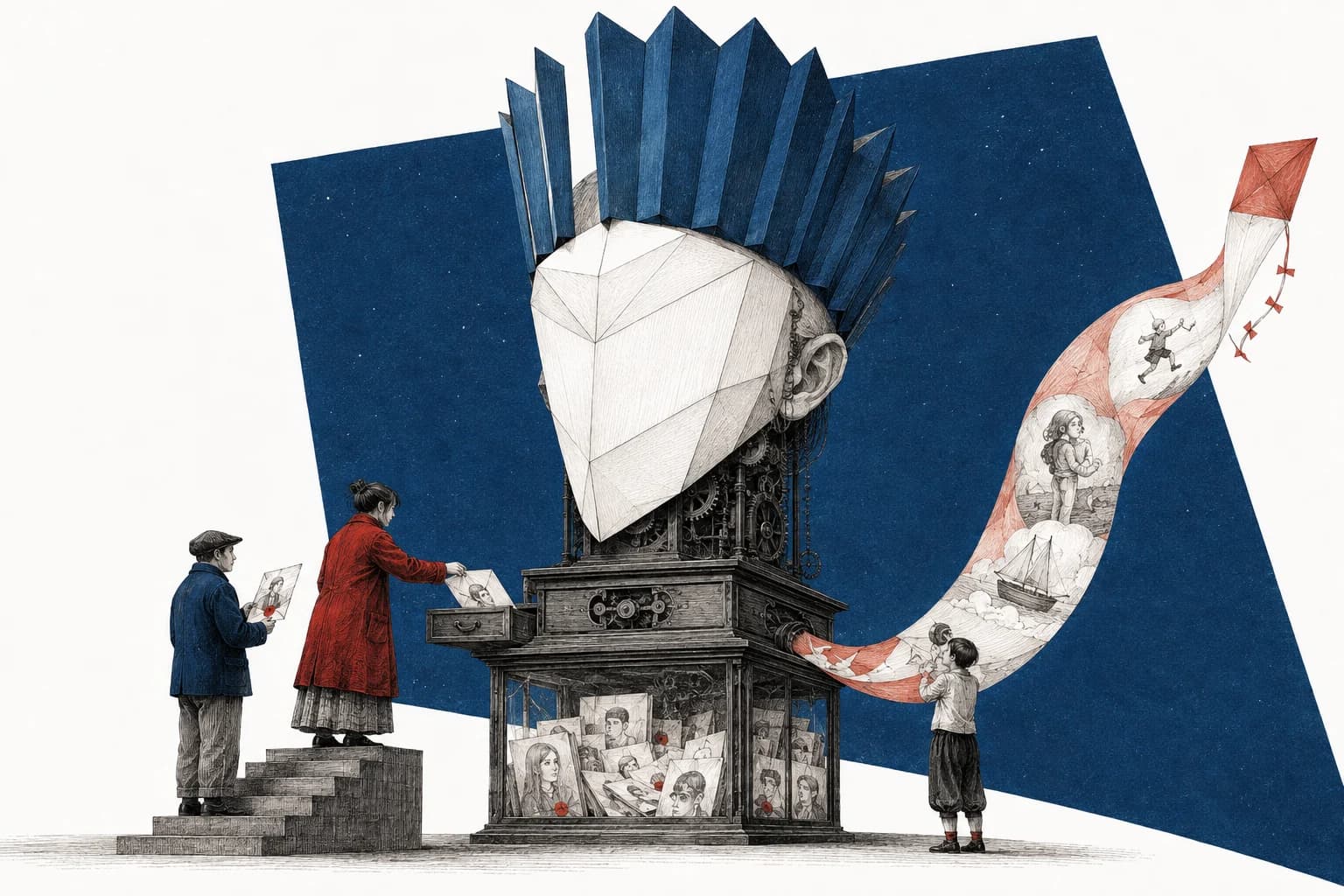
An app wants to turn your child into a cartoon astronaut. The examples look good. It would take about thirty seconds, and the upload button is right there.
But the example only shows what comes back. To make your version, the app may ask for a clear photograph of your child's face, send it to another company's computers and keep it after the cartoon is finished.
Before pressing upload, find out what happens to that original. You can decide whether you like the result afterward; the decision about who receives the photograph has already happened by then.
A no-training promise is only part of the answer
“Your photos aren't used for training” answers one question: whether the company uses them to develop or improve an AI system. It doesn't tell you where the photo goes to make this particular cartoon, how long it stays there or who can see it.
Look for the privacy information for the feature you're about to use. An app might have one tool that works on your phone and another that sends files to a server. A setting for your personal account may also differ from the rules for a school or work account.
| Find out… | Before relying on… |
|---|---|
| Whether the original stays on your device or is sent to a company, including another provider | A statement that the finished result is private. |
| Whether uploaded photos are used for training, and which setting changes that | A general “we respect your privacy” promise. |
| How long uploads are stored, including any exceptions | A temporary chat or disappearing preview. |
| Whether people can review the photos | A promise that processing is automated. |
| Whether a gallery or shared conversation exposes the upload | A preview that only shows the generated result. |
| Whether deletion covers both the original and the result | A delete button beside the cartoon. |
If a sentence only describes training, keep looking for the part about storage. If you can't find it, ask the provider before supplying the photo. You can try the effect with a picture that doesn't identify your child while you decide whether the answer is good enough.
A real example: a temporary Gemini chat
Google says temporary Gemini chats aren't used to train its AI models, but it keeps them with your account for 72 hours. With Keep Activity off, future chats also aren't used for training unless you send feedback, which can include the conversation and uploads.
Those options still allow human review for safety and security. Google also says your Gemini settings don't control processing chats into anonymized data to improve its services. If you don't want a reviewer to see the photograph, a temporary chat doesn't meet that requirement. Gemini's storage, review and training rules
So turning a setting off today doesn't remove yesterday's upload. For a personal Gemini account on a computer, open Settings & help → Activity, find the upload and choose Delete activity item beside it. For a whole period, use Delete → Custom range and check the dates before confirming. Work and school accounts have administrator-controlled settings. Gemini activity-deletion controls
Deleting activity also leaves out past chats already reviewed by Google's service providers. Google says those copies were disconnected from your account and can be kept for up to three years. Removing the conversation from your history doesn't remove them. What Google retains after activity deletion
If you created a public conversation link, check that too. A shared Gemini chat can include the uploaded image as a downloadable file, even if you only intended to show someone the cartoon.
Open Settings & help → Your public links, then Delete public link beside the relevant conversation. Open the old link afterward to check that the shared chat is unavailable. This removes a route into the conversation; it doesn't remove copies another person saved or continued in their own Gemini account. Gemini's public-link controls
Why the original matters
An original photograph can be useful for purposes far beyond the effect you asked for. In 2024, Human Rights Watch found links to identifiable Brazilian children's photos in LAION-5B, a dataset used in AI development. Some were accompanied by information that could help identify or locate the children. These were ordinary childhood photographs, not pictures taken for an AI training collection. Human Rights Watch's investigation
Training isn't the only concern. An existing image can be altered or misused without training a new model. Australia's eSafety Commissioner addressed that problem in its school-imagery advisory, asking schools to examine the purpose, permission, audience and identifying detail before sharing. eSafety's advice on school images and AI
A stranger or classmate can also misuse a photo that is already public. The guide to children's photos and AI abuse covers that separate problem, the recent US court ruling and what to do if a child is targeted.
For the next upload, that brings the question back to the file itself. Does the effect need an identifiable photograph, or would another image do?
Does the effect need your child's real face?
For a drawing of a child on the moon, try describing the scene. For a movement illustration, a picture taken from behind may show everything needed. If the task is to change the colors of a shirt, crop out the face before sending it.
Some effects do need the face. A lookalike portrait is asking the service to preserve that resemblance, so covering it defeats the purpose. In that case, the choice is whether you want to give this provider the original in return for that result.
The principle of providing only what a job needs is often called data minimization. The UK Information Commissioner asks services used by children to limit collection to what's necessary and consider how long they keep it. ICO guidance on limiting collection
You can apply that question to the rest of the picture too. Remove another child, a school badge or a delivery label if it isn't needed. A face edit doesn't deal with those details; the privacy beyond face blur guide shows what else to inspect.
If you've already uploaded the photo
Open the service from the account that made the upload. Find both the original and the generated result, and check whether either appears in a public gallery or shared conversation. Remove any public version you no longer want there.
Then use the account's deletion controls. If the delete button only describes the generated picture, ask about the original:
I uploaded a photo on [date] using [feature]. I'd like to delete both the uploaded original and the generated result. Does this deletion control remove both? What remains in backups or with other providers, and for how long?
Use the provider's official support or privacy contact. Give the account and activity details it needs to find the upload; don't attach the child's photograph again merely to ask how deletion works.
Read the reply against what you asked. “Your image has been removed from your profile” answers a public-gallery question. It doesn't answer what happened to the uploaded file. If that is all the response says, ask specifically about the original and any remaining storage.
If a relative made the upload, they'll need to do this from their account. Your own settings won't remove their copy. And if the provider says the file was used for training, ask what the request changes about that use; deleting a stored file doesn't establish that earlier training has been undone.
Include photo effects in the family agreement
A relative can follow “don't post the kids” and still upload a privately shared picture to make you a birthday animation. They may not think of that as sharing it with anyone.
Name the action you want them to check first:
Please ask us before uploading the kids' photos to AI apps or photo effects, including pictures we send privately. We want to choose which services receive their faces.
The family sharing scripts cover how to introduce the request and what to say if the picture has already gone somewhere else. As your child becomes able to understand the effect, include them before making the upload, while there's still a choice to make.
Decide before the file leaves
For an AI “unblurring” app, the reason to pause is the same. The app may return a realistic face without recovering the real one, while the file you supplied may still contain identifying detail. The guide to AI unblurring separates those two problems.
With the cartoon astronaut, start by trying a description or a picture without the face. If the whole appeal is that it looks exactly like your child, check who gets the original, what they keep and what the deletion control covers. That's the exchange you're agreeing to when you press upload.
Sources reviewed 5 September 2026.