


Blur, pixelate, or cover a face: what each method hides
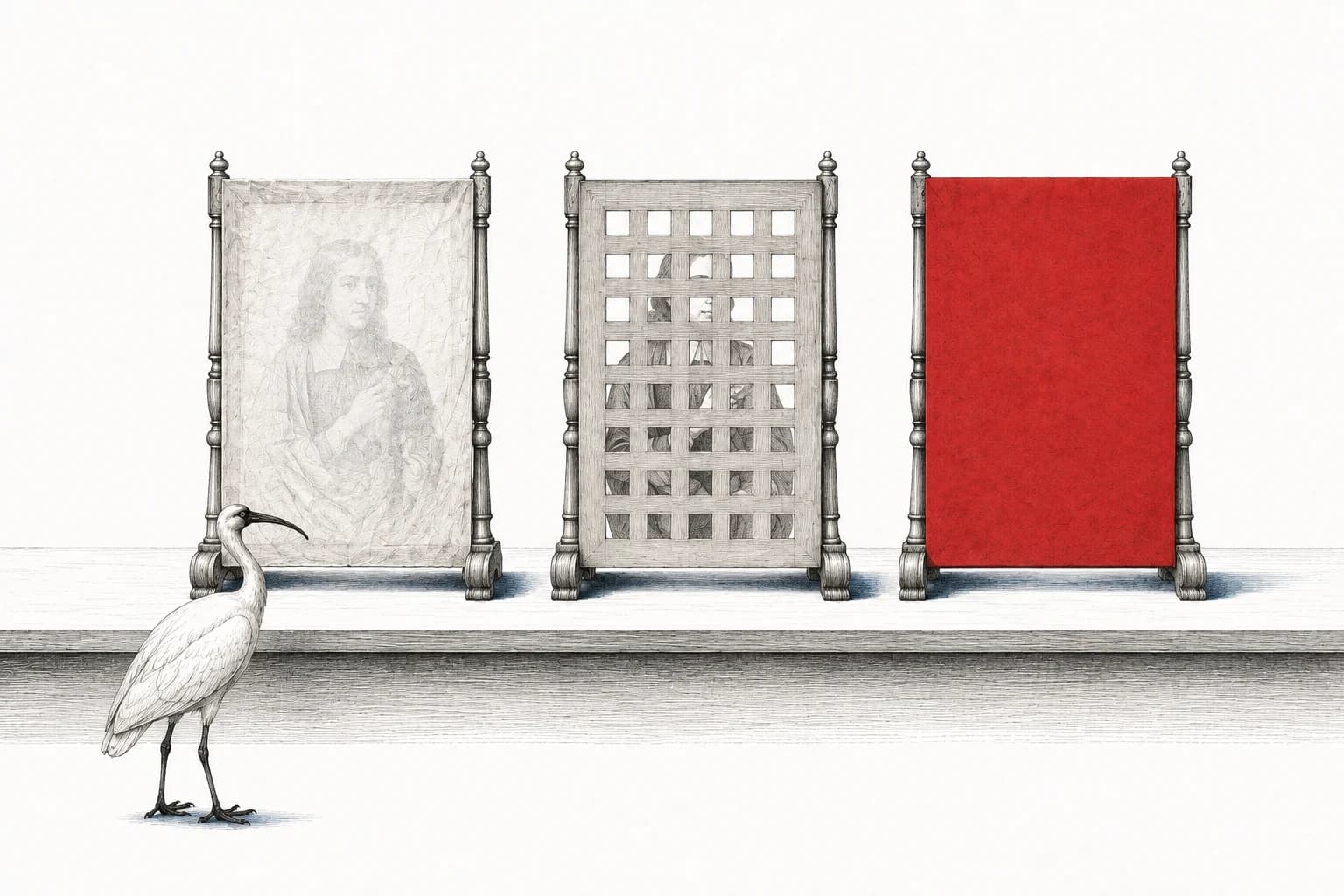
A blur can make a face look almost blank at the size of an Instagram post. Enlarge the picture, though, and you may still see where the eyes were, the outline of the mouth and the shape of the head. The effect mixed up information from the face; it didn't replace that information with something unrelated.
A solid cover does replace it. When you save a new picture with a solid circle over the whole face, the covered part contains the circle's color. That is a different result from making the face harder to see.
So before choosing the effect that looks best, decide how much of the original face you want the shared copy to contain. Here's what each option leaves you with.
What the methods do
| Method | What ends up in the picture | Check this before sharing |
|---|---|---|
| Blur | Nearby pixels, the tiny dots that make up the image, are mixed together. | A soft face can still retain recognizable shapes. |
| Pixelation or mosaic | Larger blocks made from the picture's colors. | Coarse shape and color remain, even when the fine detail is gone. |
| Emoji | A graphic over part of the picture. | The outline and any transparent gaps may leave features visible. |
| Fully opaque cover | A solid shape you can't see through, replacing the area beneath it. | The whole face must fit inside it for every frame. |
| Crop | A new picture that leaves out the part you cut away. | Check what remains in the picture, sound and caption. |
For an emoji, look closely at the spaces around its eyes and mouth and at its outline. An opaque backing can close those gaps, but it still has to be large enough for the face. A sticker over the eyes leaves the nose, mouth and chin exactly where they were.
 View larger
A flattened export matters
Now save the edit as a new photo or video. Editors call that a flattened export: the cover becomes part of the picture, with no separate sticker layer someone can switch off.
An editing project is different. It may contain the original photo plus a cover on its own layer, so someone opening the project can remove the cover and see the original. Keep that project for yourself and share the exported file.
The same order helps when posting to a social app. If you select the original there and add a sticker afterwards, you've already handed that app the uncovered picture. If you cover it first and select the export instead, the file you're uploading already contains the edit.
Keep the original privately → edit → export a new copy → open and check that copy → share it.
An original you uploaded earlier remains a separate job. Use the photo-removal guide to deal with that copy too.
What our tool does
Blur
Blends neighbouring pixels to soften facial details.
Still uses colours from the original face.Mosaic
Fills each block with its pixels’ average colour.
Coarse colours and shapes remain.Solid
Fills the covered area with a colour you choose.
Keep the entire face inside the circle.Emoji
Places just the emoji over the picture.
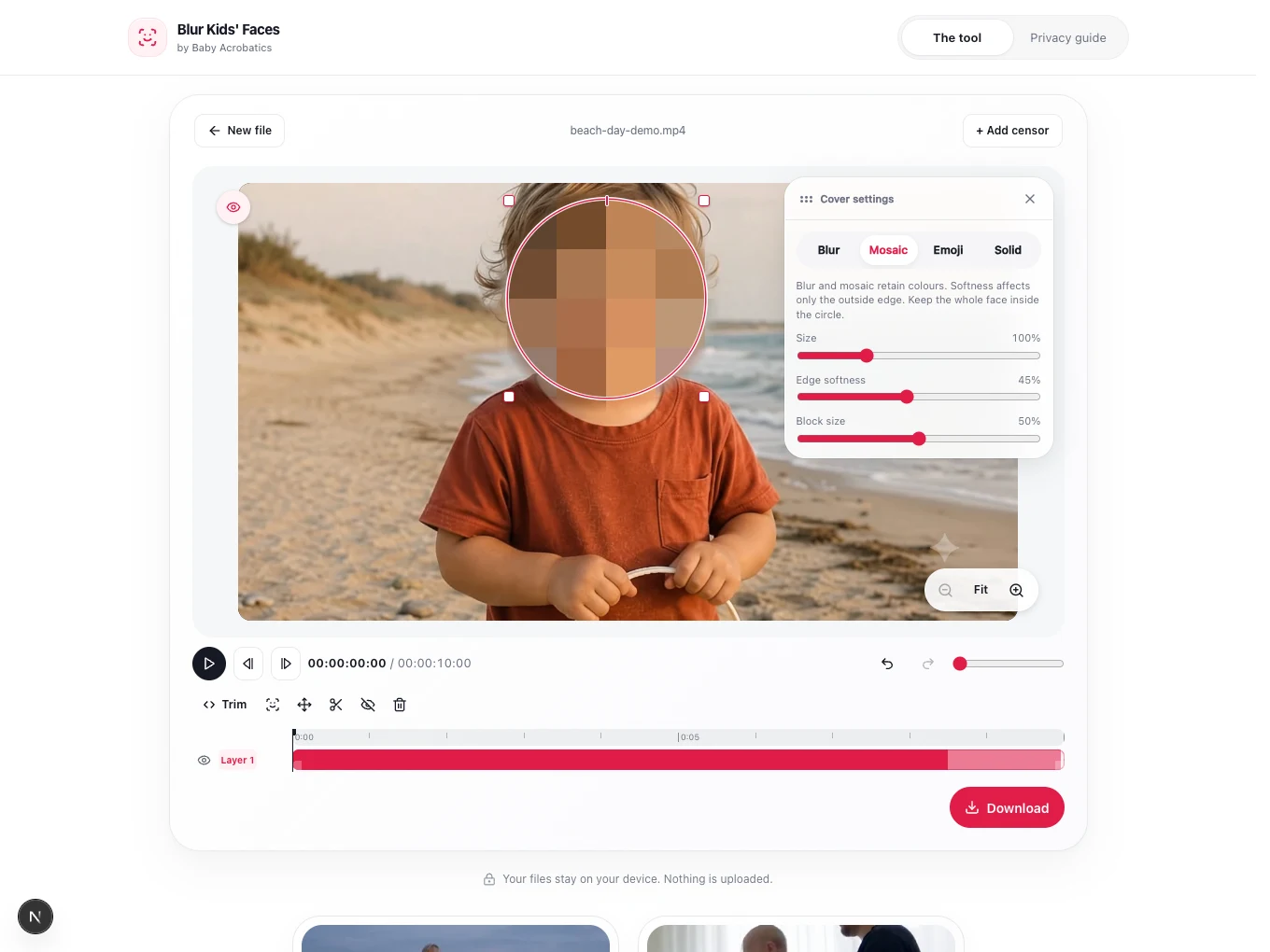
Its outline and transparent gaps leave the picture visible.In the Baby Acrobatics tool, select a face cover and choose its effect. New covers use Blur, with no fade. Solid fills the circle with your chosen color, and Emoji places just the graphic over the picture, without a background. All four effects are built into the saved photo or video.
Mosaic uses each block's average color. Blur keeps a smoothed version of the picture. These leave information from the face behind, even at stronger settings. The article about our technology and tests explains why the old multiple-pass mosaic was replaced; running a blur or mosaic more times doesn't establish that recognition will fail.
A solid circle can still be too small
Suppose the eyes are covered, but the chin sits below the circle. Switching from Blur to Solid changes what's inside the circle. It doesn't bring the chin inside it.
Pause at the widest head turn and enlarge the cover. Size changes its size throughout the track. To repair just one moment on a tracked cover, leave All frames off and drag a resize handle; then check the movement before and after your correction. A child approaching the camera may need another correction as the face gets bigger.
Softness for Blur, Mosaic and Solid extends outside the circle, leaving the inside fully treated. Keep facial features inside that circle rather than in the soft halo. And leave fades at zero for continuous coverage: a fading solid cover is temporarily see-through.
During a tracking gap, the app holds a larger cover between the known positions and asks you to review it. Follow the face through that interval. If it leaves the covered area, adjust that stretch using the video instructions. For a crop, use an editor that lets you remove the relevant part of the frame.
What about AI unblurring?
An AI tool can produce a convincing face without recovering the face that was there. It can also recognize a person from information left in a blur without producing any clear picture at all. Those are different problems, and a before-and-after image doesn't tell you which one you're seeing.
The Privacy Blur research tested ways of obscuring faces against both reversal and identification attempts. It shows why the amount and kind of information left behind matters; it didn't test our app. The AI unblurring article explains the attacks and the limits of the demonstrations.
For this edit, the decision is more direct: if you want to leave less facial information in the file, use a solid cover over the whole face or crop it out. A blur keeps a transformed version of the face for someone or something to examine.
A covered face still belongs to a whole person
If the caption names your child and their school, the viewer doesn't have to solve the blur. Someone who knows your family may recognize your living room, your voice or a sibling standing beside them.
After choosing the face treatment, read the caption and listen to the sound. Check the file's location data too. With video, watch the saved copy so a face uncovered for a moment doesn't supply the clear picture missing from the rest.
A solid cover can remove the facial pixels it covers. If the whole person's identity needs to stay confidential, look at everything the post reveals before deciding to publish it.
Sources reviewed 5 September 2026.